In front
While the app is the one you're using. Switch away and your music comes back.
Editors, games, presentations Mauna
Mauna
Join a call, start a film, open a game. Mauna pauses or lowers your music while you use them, then brings it back when you're done.
Coming soon · Free · macOS only, 14.2 or later
Then pick what happens: pause, or lower the volume so the music keeps playing softly. Mauna fades out and back in, gently, at the volume you like.
While the app is the one you're using. Switch away and your music comes back.
Editors, games, presentationsKnows when a call app is actually in a call, not just open. Zoom, FaceTime, Teams, Slack or Discord takes the microphone, and your music waits, even while you work in another app.
Mauna ProThe whole time the app is open. Ideal for films and anything that plays its own sound.
Mauna Pro"In a call" notices when Zoom, FaceTime, Teams, Slack or Discord takes the microphone, even while you work in another app. When the call ends, your music comes back where it was.
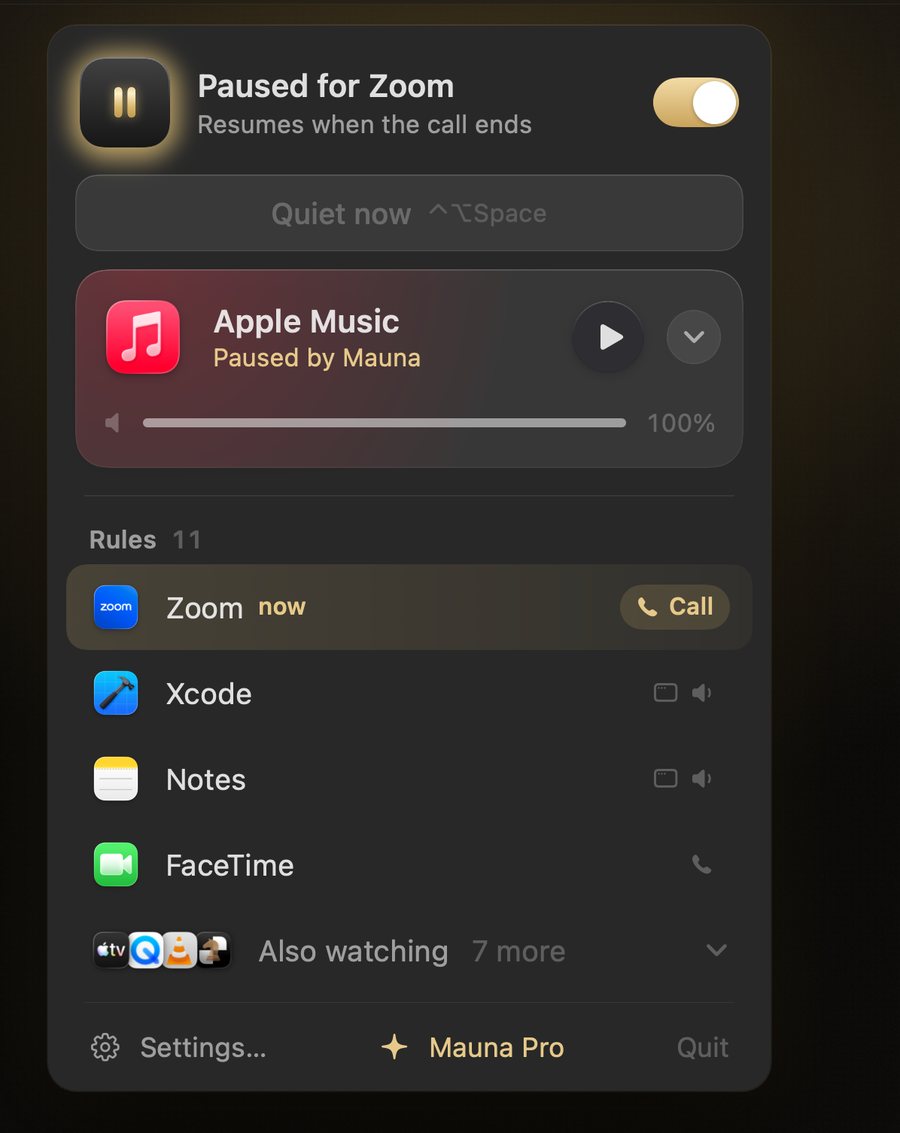
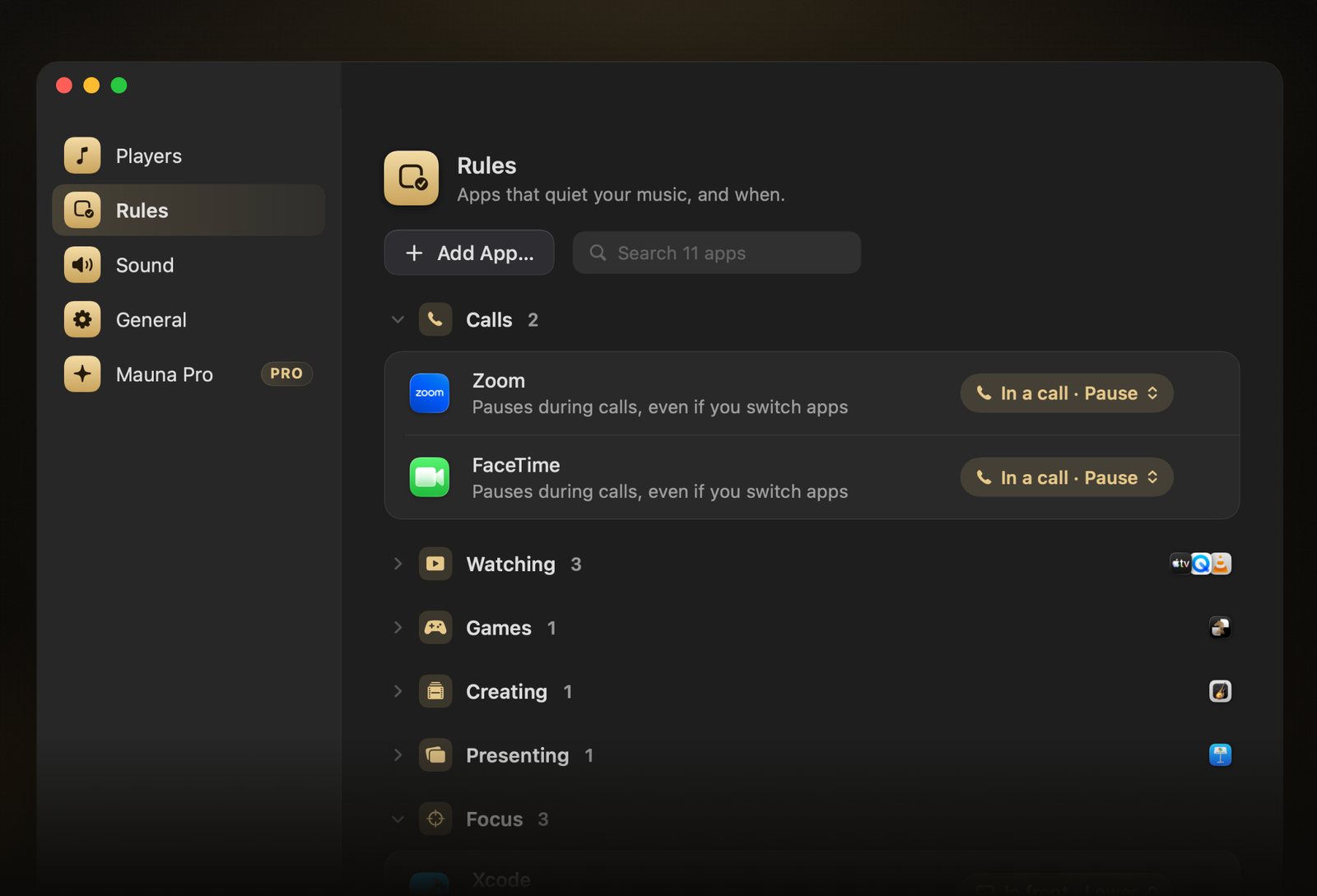
Pause for films and games, lower for focus. Apps sort themselves into groups you can fold.
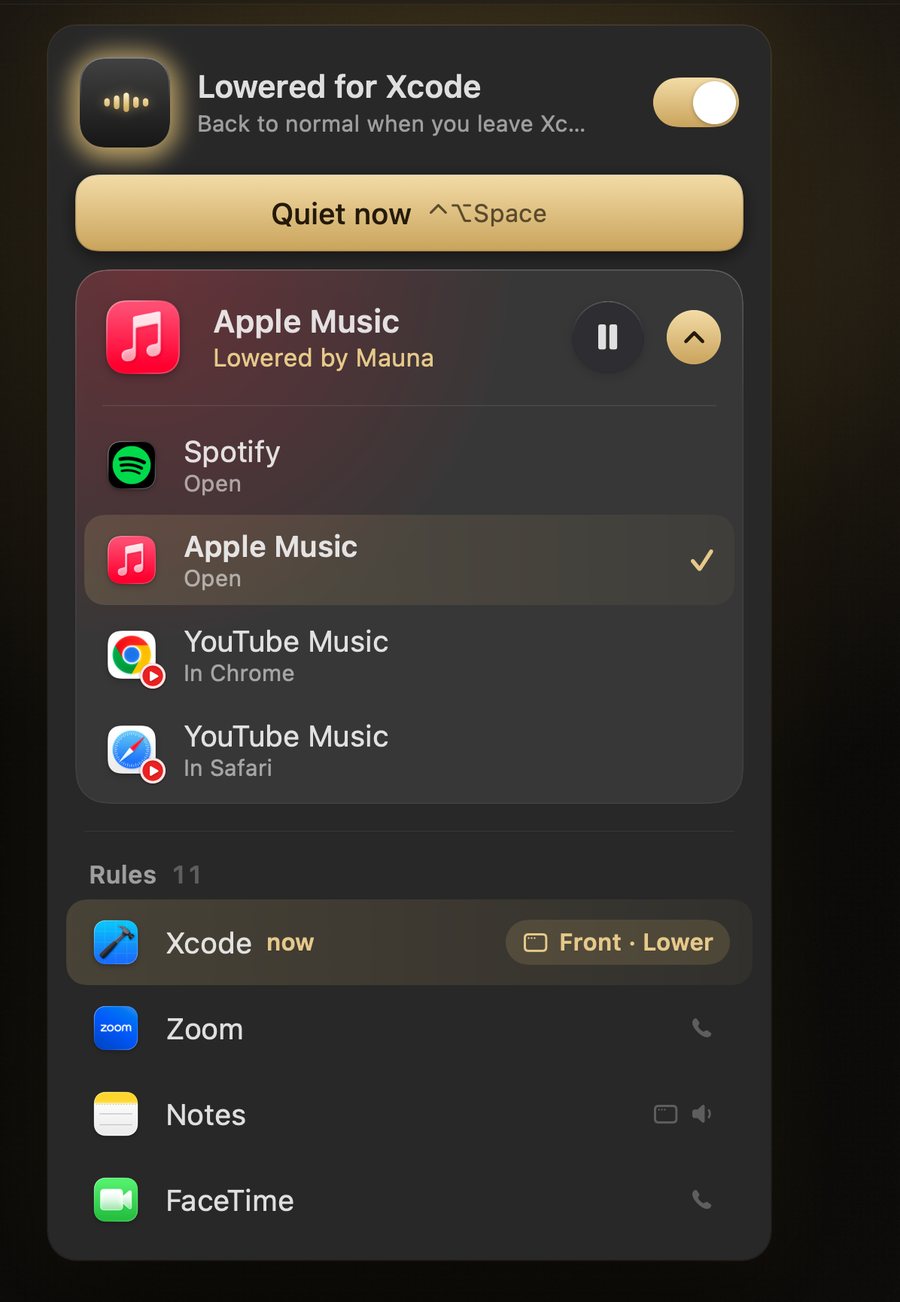
Switch players any time from the menu bar. Play, pause and volume are right there too.
Music eases away and drifts back on an equal-power curve, always to the volume you chose. Every fade starts from what's playing now, so a quick change of mind never jumps.
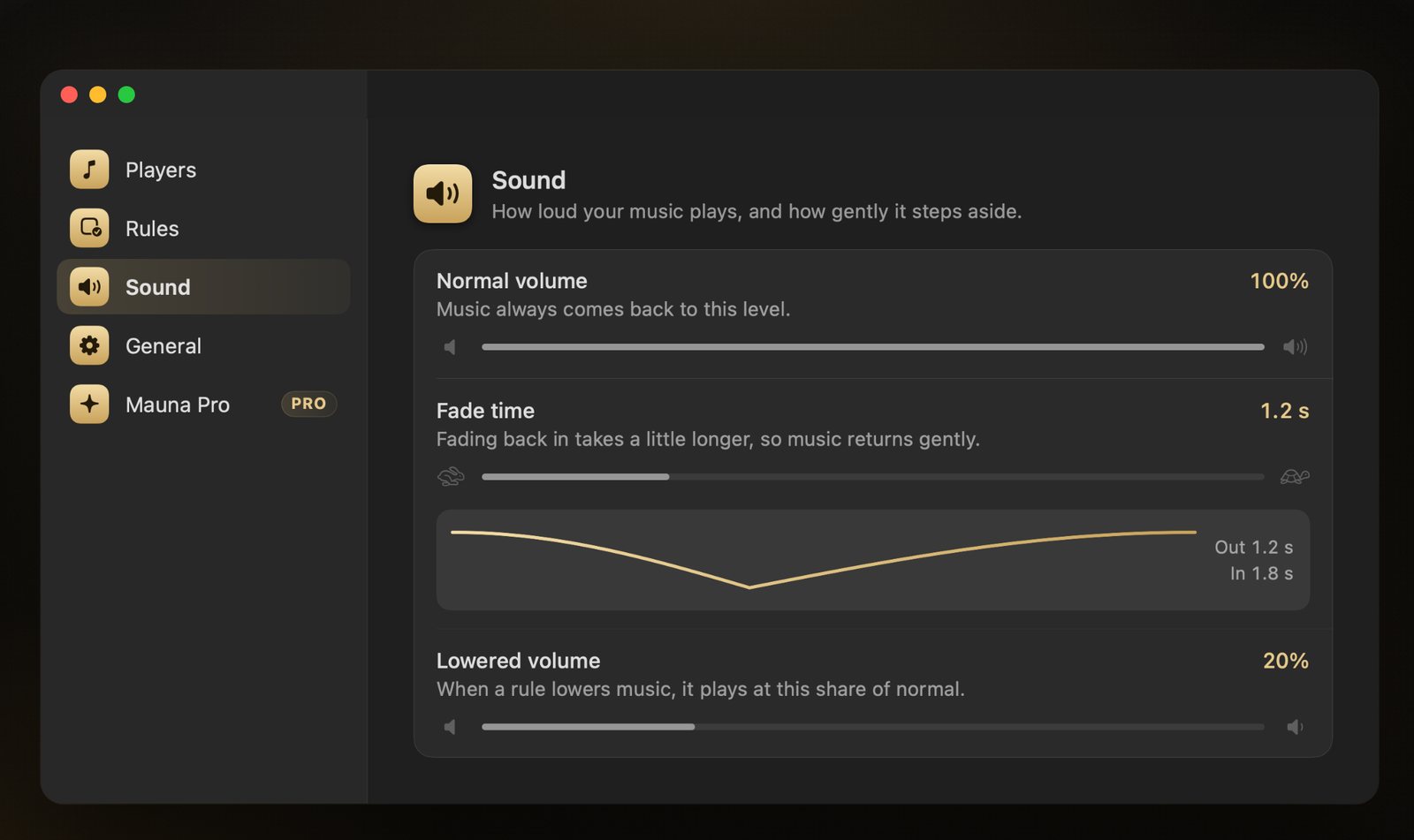
Try every Pro feature free for 7 days. No subscription, ever.
Everything Mauna can do. One purchase, yours for good.
Pay once. Yours forever: no subscription, every update included. Local prices are shown in the Mac App Store.
| Feature | Free | Pro |
|---|---|---|
| Rules | 2 | Unlimited |
| "In front" trigger | Yes | Yes |
| "In a call" and "Running" | No | Yes |
| Pause music | Yes | Yes |
| Lower music instead | No | Yes |
| Spotify and Apple Music | Yes | Yes |
| YouTube Music in Chrome and Safari | No | Yes |
| Quiet shortcut | Yes | Yes |
| Your own fade time | No | Yes |
Mauna runs entirely on your Mac. No account, no analytics, no tracking. It never reads what you listen to, and it never listens to your microphone; it only checks whether an app is using it.